
Secrets in Container Images: How They Leak and How to Stop It

After reading this guide
At a Glance
- Secrets leak into images through ENV, ARG, COPY of .env files, and inherited base layers - and stay recoverable forever.
- Treat every image as publicly readable; scan with Trivy, Grype or RapidFort Analyzer in CI and enforce at admission with Kyverno or Gatekeeper.
- Inject secrets at runtime from an external store; use Sealed Secrets or ESO for GitOps so plaintext never touches the build.
- Rotate, rebuild, and purge old digests - a leaked image digest is compromised even after rotation.
- Sign and attest images with cosign and in-toto to prove no secret-handling build ever shipped.
Secrets in container images leak when credentials are baked into layers, environment variables, build arguments, or committed .env files. Once an image is pushed to a registry, any user with pull access - or an attacker who breaches the registry - can extract those secrets with trivial tooling. The fix is to keep secrets out of the build entirely.
How do secrets end up inside container images?
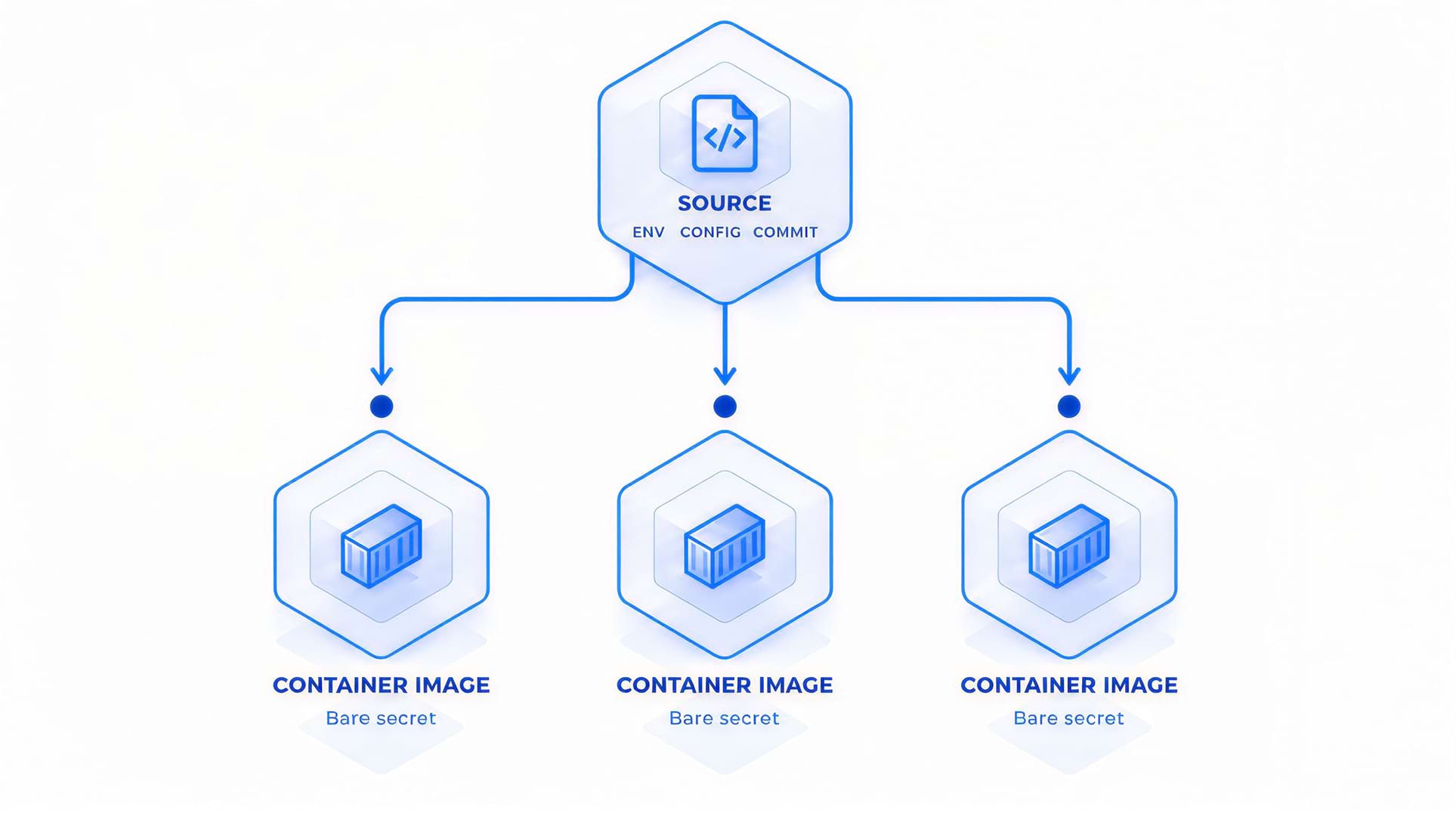
Secrets get baked into images through a handful of recurring mistakes. The most common is the ENV instruction in a Dockerfile, where a token is exported as a build-time environment variable and then persisted into the layer that follows. Build arguments (ARG) are equally dangerous when the value is later written into a file or used in a RUN command; ARG values survive in the image's build history even if they never appear as a layer file.
The .env file is another classic trap. Developers copy a .env into the build context and COPY it into the image "just for the build," then forget to delete it. Because COPY creates a new layer, the file remains recoverable even after a later RUN rm .env in a different layer - the bytes are still present in the earlier layer.
| Source | Where it lands | Recoverable? |
|---|---|---|
| ENV in Dockerfile | Image layer + config | Yes, via docker inspect |
| ARG used in RUN | Build history | Yes, via docker history |
| COPY .env then rm | Earlier layer | Yes, layer still present |
| Secret in base image | Any inherited layer | Yes, inherited |
| Committed to VCS | Source repo + image | Yes, both |
The pattern behind all of these is the same: a secret that is needed only at build time is being treated as if it belongs in the artifact. NIST SP 800-190 calls this out directly - container images should be treated as immutable, shareable artifacts, and secrets are by definition not immutable.
Why are baked-in secrets so dangerous?
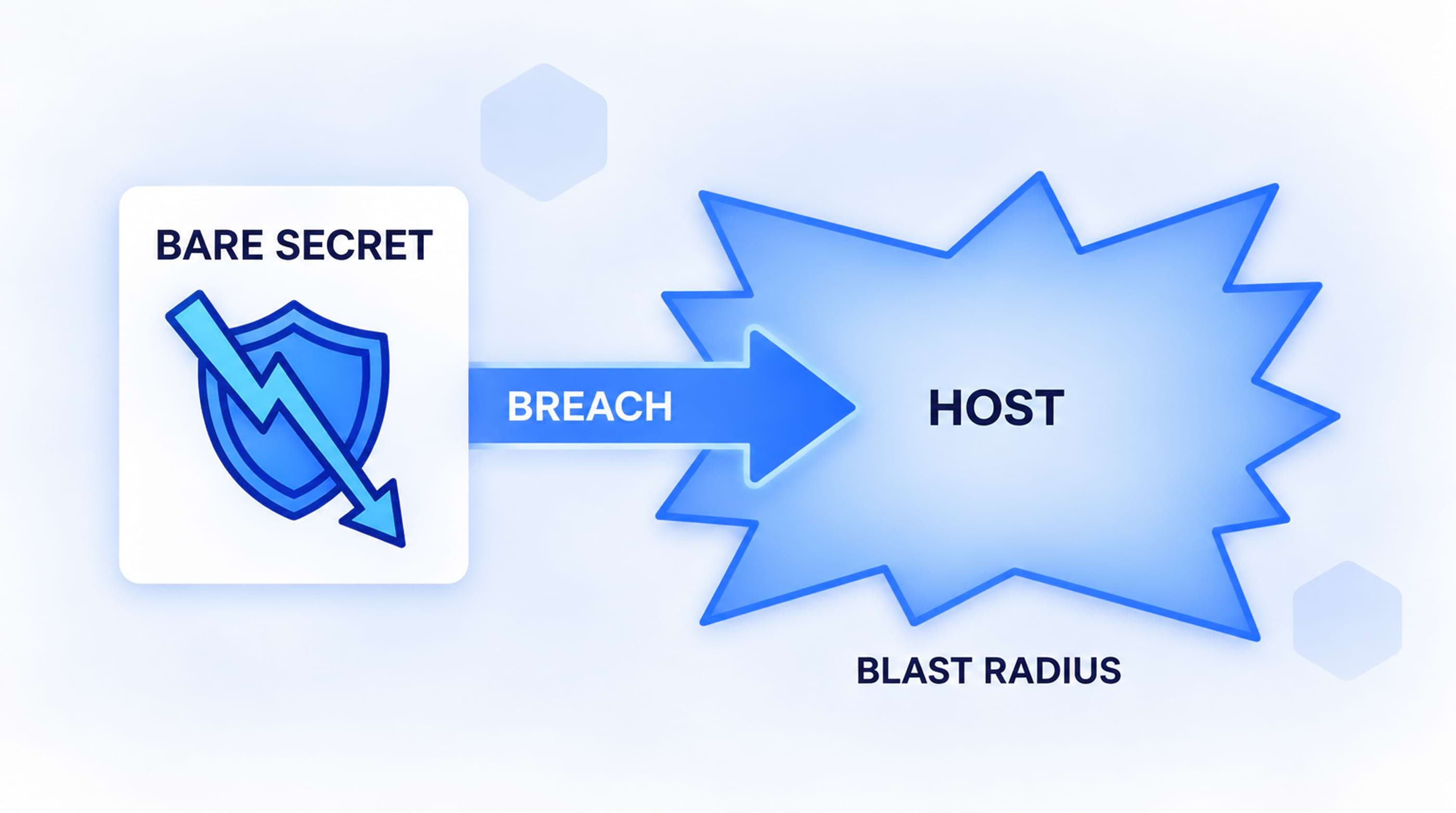
A container image is not private by default. It is copied across CI pipelines, mirrored to multiple registries, pulled by developers onto laptops, and scanned by third-party tools. Every copy multiplies the blast radius. Once a credential is in an image layer, you cannot "unship" it by deleting it from the Dockerfile - the old digest still exists in the registry and in every cache that pulled it.
The danger compounds because images are often public or broadly readable. A single leaked AWS key or database password in a base image can be harvested by automated scrapers that crawl public registries looking for exactly this pattern. CISA's Known Exploited Vulnerabilities (KEV) catalog is full of cases where credential exposure enabled the initial access that a later CVE then exploited.
How do attackers extract secrets from an image?
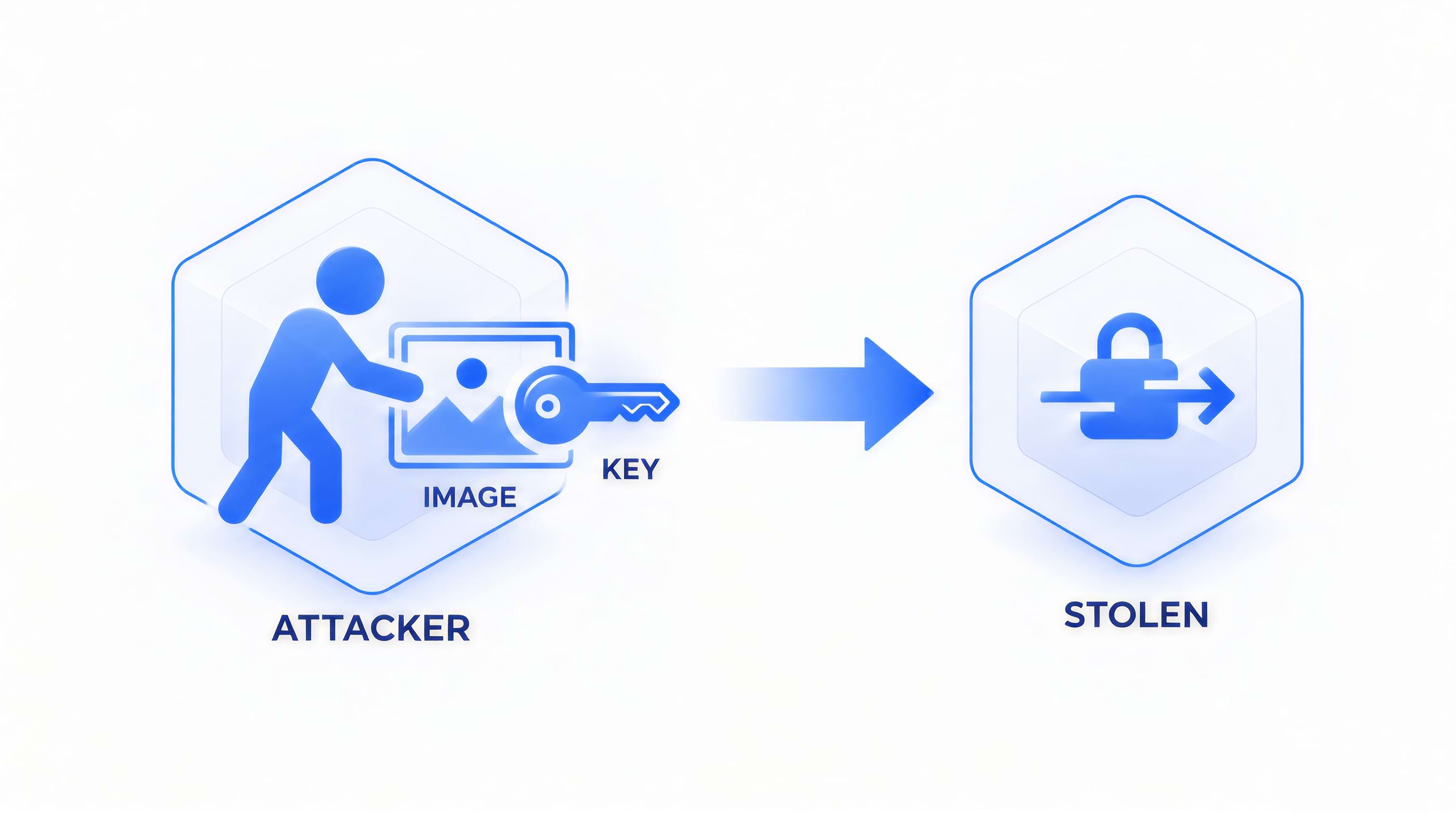
Extraction is cheap. An attacker with pull access runs a handful of commands:
# Pull the image
docker pull registry.example.com/app:1.4.2
# Inspect runtime env (secrets set via ENV show here)
docker inspect registry.example.com/app:1.4.2 | grep -i -A2 "Env"
# Show build history - ARG values often leak here
docker history --no-trunc registry.example.com/app:1.4.2
# Export the filesystem and grep for patterns
docker create --name probe registry.example.com/app:1.4.2
docker export probe | tar -x
grep -rniE "(api[_-]?key|password|secret|token|aws_access)" .
None of this requires root on your cluster. It requires only the ability to pull the image, which is exactly the permission you grant to every CI job and every developer. The CIS Docker Benchmark and NIST SP 800-190 both recommend treating image contents as publicly readable for the purpose of threat modeling.
How do you scan images for leaked secrets?
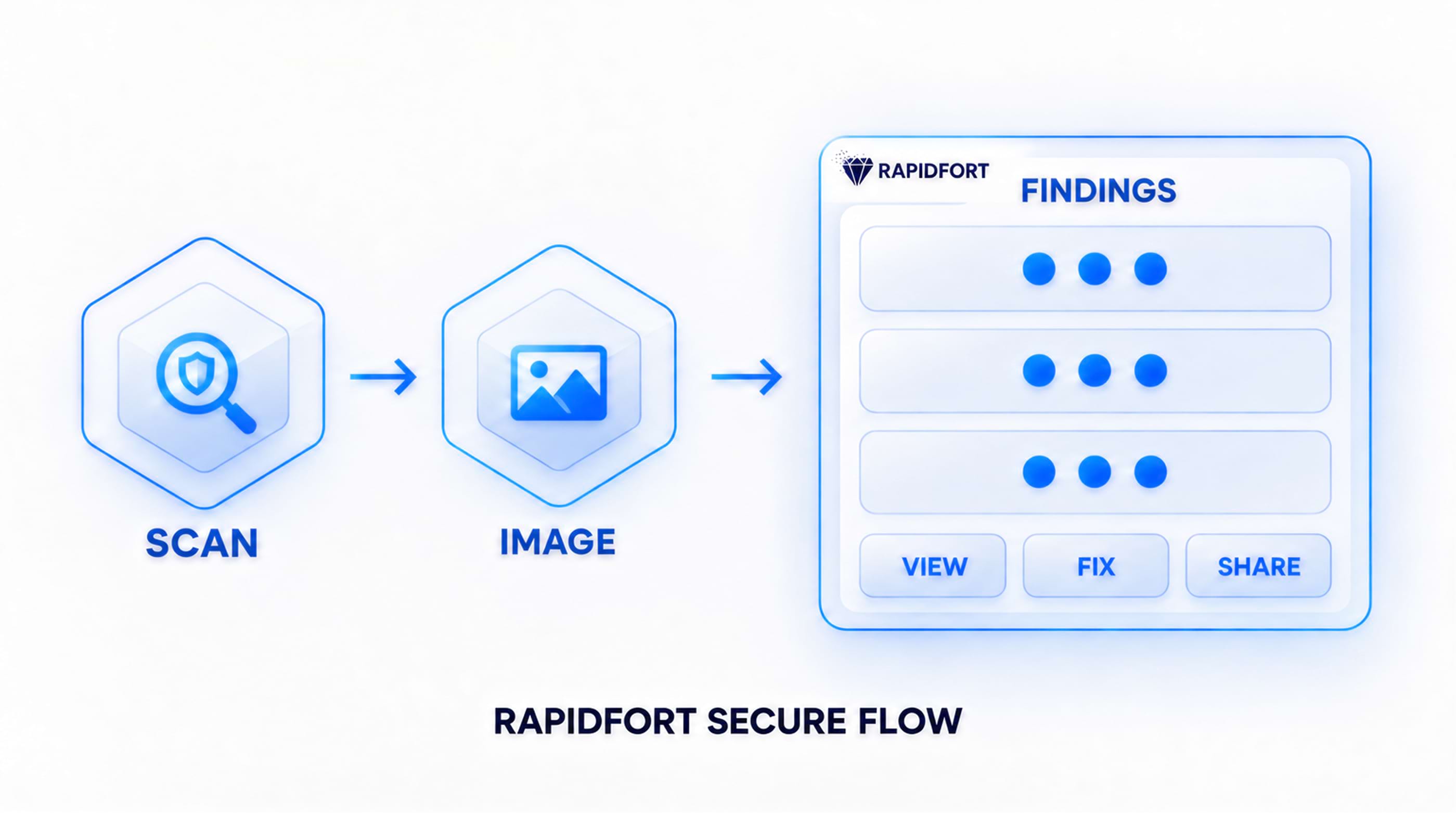
Scanning catches the leak before it ships. Trivy, Grype and RapidFort Analyzer include secret-scanning modes that walk the layer filesystem for high-signal patterns (cloud keys, private keys, tokens). Syft or RapidFort Analyzer can inventory the SBOM so you know what is actually present. Wire these into the pipeline as a hard gate:
# Trivy secret scan
trivy image --scanners secret registry.example.com/app:1.4.2
# Grype secret scan
grype registry.example.com/app:1.4.2 -o json | jq '.matches[] | select(.vulnerability.type=="secret")'
# RapidFort Analyzer secret scan
rfscan registry.example.com/app:1.4.2 --secrets| Tool | What it finds | Best used |
|---|---|---|
| Trivy | Known secret patterns, keys | Pre-push CI gate |
| Grype | Secrets + vulns in one pass | Unified scan |
| RapidFort Analyzer | API keys, tokens, private keys, etc. + vulns + malware + SBOM + fixes + KEVs + RF Advisories (false positives) | All-in-one scan |
| Syft | SBOM of all files | Baseline + audit |
| Git pre-commit | Secrets in source | Before commit |
Tools like OPA/Gatekeeper and Kyverno can also block pods that reference images failing a policy check, closing the loop at admission time. The key is to fail the build on any match - a report nobody reads is not a control.
What is the right way to handle secrets at runtime?
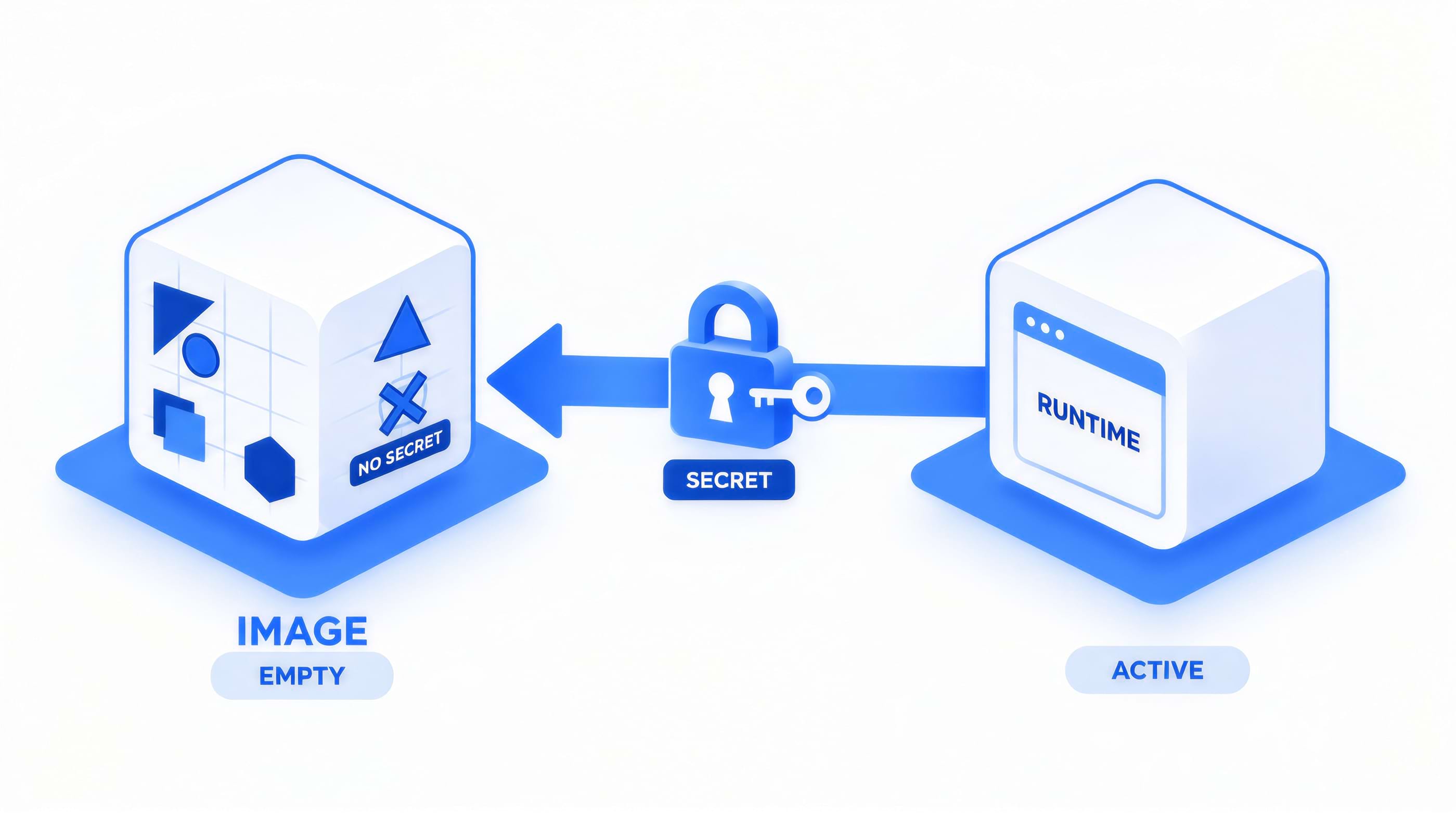
The fix is architectural: secrets should be injected at runtime, never written into the image. External secret stores are the standard answer.
| Approach | How it works | Trade-off |
|---|---|---|
| Env from store at start | Init container pulls from Vault/ASM | Needs network + auth at boot |
| Mounted secret file | Orchestrator mounts secret as tmpfs | Ephemeral, not in image |
| Secrets manager SDK | App fetches at runtime | Code change required |
| SPIFFE / workload identity | Short-lived certs, no static secret | More moving parts |
The principle from OWASP and CIS is that static, long-lived credentials in artifacts are the problem; short-lived, runtime-fetched credentials are the goal. Whether you use HashiCorp Vault, cloud secret managers, or a Kubernetes Secrets object backed by an external store, the secret never touches the build context.
Can Kubernetes inject secrets without baking them in?
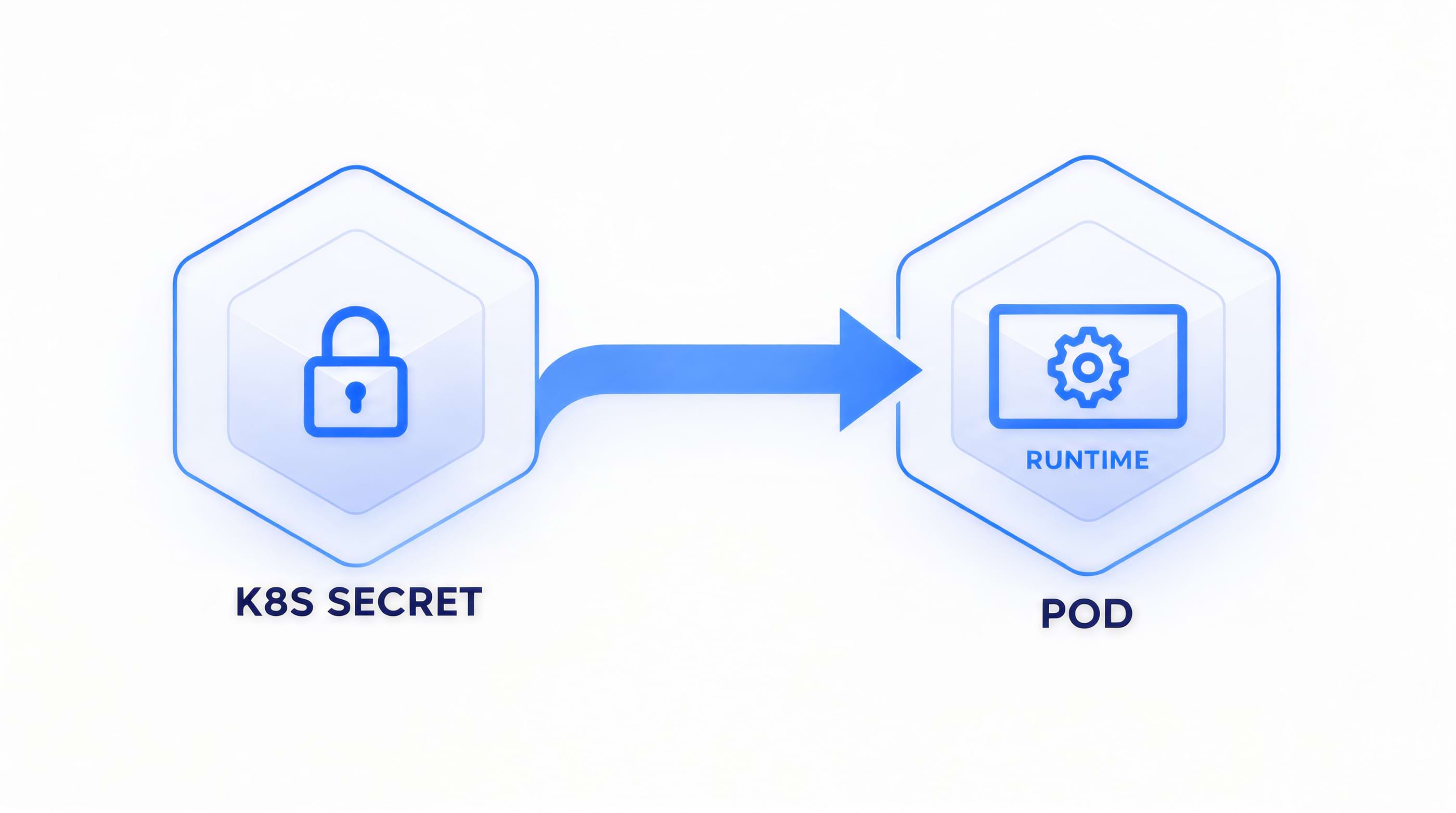
Yes, and this is the cleanest path for cluster workloads. Kubernetes Secrets can be mounted as files or exposed as environment variables at pod creation - they live in tmpfs on the node, not in the image. For GitOps workflows, Sealed Secrets and External Secrets Operator (ESO) solve the "how do I commit my secrets to Git" problem without putting plaintext anywhere.
- Sealed Secrets: encrypts a Secret with a cluster-held key; only the controller can decrypt it. The sealed manifest is safe to commit.
- External Secrets Operator: syncs external secret stores (Vault, AWS Secrets Manager, GCP Secret Manager) into native Kubernetes Secrets on a schedule.
Both keep plaintext out of the image and out of Git. For supply-chain integrity, pair this with image signing via Sigstore/cosign and provenance via in-toto attestations so you can prove an image was built from clean source and never handled a secret.
RapidFort Analyzer can scan images for exposed secrets. In addition, RapidFort Optimizer can reduce an image attack surface that leaked secrets would expose - by eliminating up to 99.9% of CVEs in a container image and producing a runtime SBOM (RBOM®) via RapidFort Profiler.
Secrets in Container Images FAQ
Are environment variables in a container really a secret leak?
Yes. ENV values are stored in the image config and are visible to anyone who can run docker inspect or docker history on the image, and to any process inside the container. They are not encrypted or access-controlled.
Do multi-stage builds protect secrets automatically?
No. A secret used in an earlier stage and not explicitly cleaned up can persist in that stage's layers, and the final image still carries the build cache. Use the --mount=type=secret BuildKit feature, or pass secrets only to the stage that needs them and never write them to the filesystem.
Can I just rotate the secret after building?
Rotation helps, but it does not remove the old image. The previous digest with the old secret still exists in every registry and cache that pulled it. Rotate AND rebuild AND purge old tags; treat the old digest as compromised.
What about secrets in base images I did not build?
You inherit them. Any secret baked into a base image is present in every image you build from it. Scan your base images and prefer minimal, audited bases with SBOMs. RapidFort curates tens of thousands of near-zero-CVE images precisely to shrink this inherited risk.
How is this different from secrets management for containers?
Secrets management is about how you distribute and rotate credentials at runtime (vaults, brokers, rotation). This article covers a narrower, earlier problem: secrets that should never have been in the image in the first place. Both matter; they are different controls at different stages.
Key takeaways
- Secrets leak into images through ENV, ARG, COPY of .env files, and inherited base layers - and they stay recoverable forever.
- Treat every image as publicly readable: scan with Trivy, Grype or RapidFort Analyzer in CI and enforce with Kyverno or Gatekeeper at admission.
- Inject secrets at runtime from an external store; use Sealed Secrets or ESO for GitOps so plaintext never touches the build.
- Rotate, rebuild, and purge old digests; a leaked image digest is compromised even after rotation.
- Sign and attest images with cosign and in-toto to prove no secret-handling build ever shipped.


