How to Use RapidFort Curated Distroless Language Images
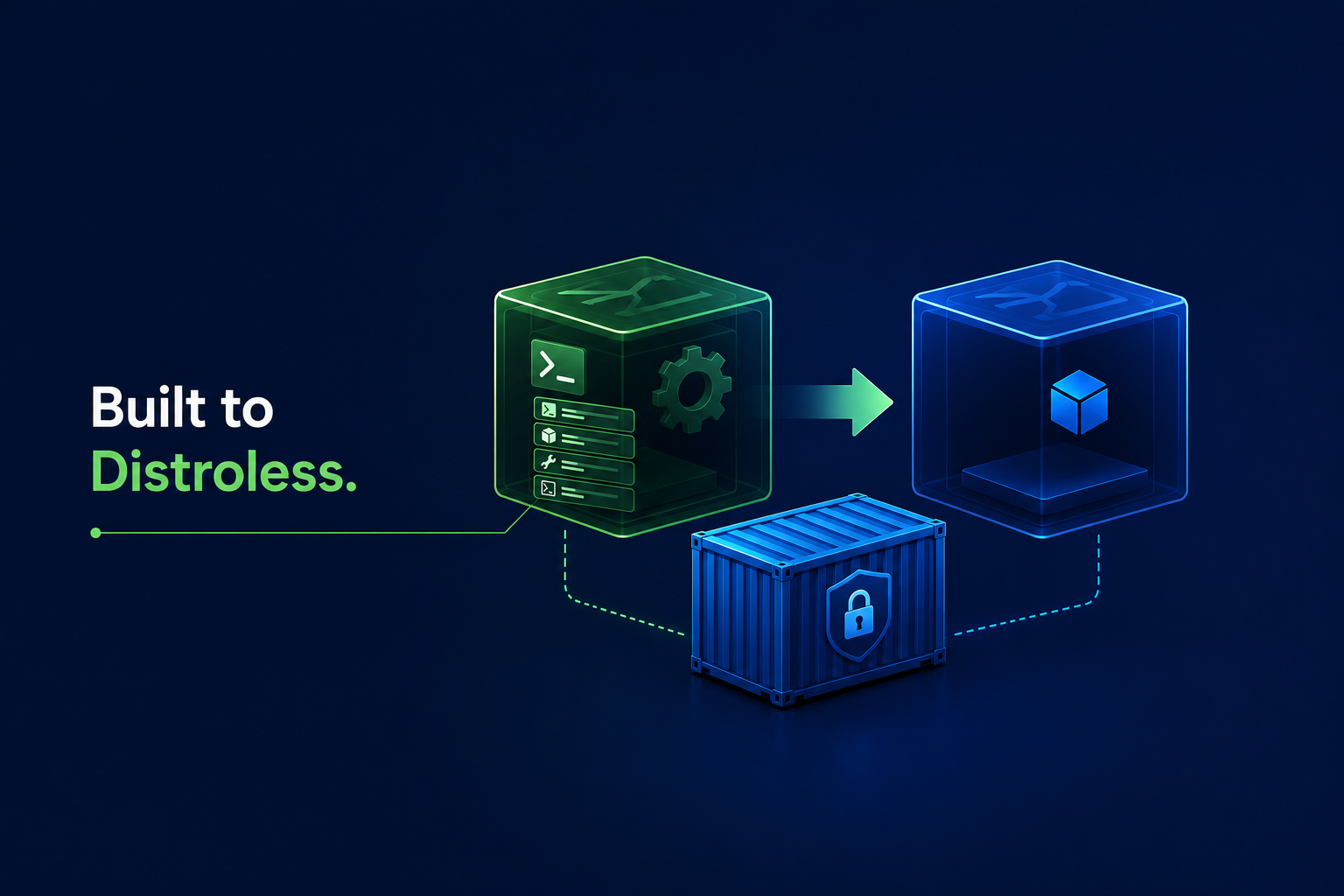

RapidFort provides curated container images for popular programming languages and runtimes, including Java, Node.js, Python, and others. These images are available across commonly used Linux distributions, allowing organizations to adopt more secure base images without moving away from familiar operating system ecosystems.
Traditional Linux distributions include many packages and utilities that are useful in general-purpose environments but unnecessary for running a containerized application. These unused components can increase image size, expand the attack surface, and generate vulnerability findings that are unrelated to the application itself.
To address this, RapidFort also provides distroless variants for supported languages and runtimes. These images follow a minimal runtime architecture and exclude components that are not required in production, such as:
- shells
- package managers
- build tools
- common command-line utilities
- other unnecessary operating system components
The result is a smaller, purpose-built runtime image with fewer packages and a reduced attack surface.
Why Migrating to Distroless Images Can Be Challenging
Distroless images provide clear security and operational benefits, but migrating an existing application can require changes to the container build process.
Traditional Dockerfiles often use distribution package managers such as apt, yum, or dnf to install dependencies. They may also rely on a shell or common Linux utilities such as useradd, cp, or chmod during the build.
These tools are intentionally absent from distroless images. As a result, commands that work in a conventional base image cannot be executed directly in the final distroless image.
The solution is to separate the build environment from the runtime environment.
Overcoming the Distroless Migration Barrier
RapidFort provides complementary image variants that allow teams to maintain a familiar build process while producing a minimal final container image:
- Development image: Includes a shell, package manager, and the tools required to build an application and install its dependencies.
- Distroless runtime image: Contains the language runtime and the components required to run the application, without unnecessary development and operating system utilities.
Using these images together in a multi-stage build allows you to compile the application, install dependencies, and prepare runtime artifacts in the development image. You can then copy only the required files into the distroless image.
Using a Multi-Stage Build
The following example shows a traditional single-stage Dockerfile for a Python Flask application:
FROM rapidfort/python:3.14-noble-rfcurated

WORKDIR /app

RUN python -m venv /opt/venv

ENV PATH="/opt/venv/bin:$PATH" \
    PYTHONUNBUFFERED=1 \
    PYTHONDONTWRITEBYTECODE=1

COPY requirements.txt ./

RUN pip install --no-cache-dir -r requirements.txt

COPY --chown=1000:1000 src ./src

USER 1000:1000

EXPOSE 8000

CMD ["python", "src/main.py"]
This image can run the application, but it also retains the shell, package manager, pip, and other components used during the build.
The Dockerfile can instead be divided into separate build and runtime stages.
# =================== Build Stage ===================
FROM rapidfort/python:3.14-noble-rfcurated AS builder

RUN python -m venv /opt/venv

ENV PATH="/opt/venv/bin:$PATH"

COPY requirements.txt ./

RUN pip install --no-cache-dir -r requirements.txt

# ================== Runtime Stage ==================
FROM rapidfort/python:3.14-noble-rfcurated

WORKDIR /app

ENV PATH="/opt/venv/bin:$PATH" \
    PYTHONUNBUFFERED=1 \
    PYTHONDONTWRITEBYTECODE=1

COPY --chown=1000:1000 src ./src
COPY --from=builder --chown=1000:1000 /opt/venv /opt/venv

USER 1000:1000

EXPOSE 8000

CMD ["python", "src/main.py"]
In this example, the first stage uses the RapidFort curated development image to create a virtual environment and install the application's Python dependencies.
The final stage starts from the RapidFort distroless runtime image. It receives only the virtual environment and application source code required to run the application. Build-time components such as the shell, package manager, and installation tools are not carried into the production image.
Conclusion
Multi-stage builds make it possible to use familiar development tools without carrying them into production.
By using a RapidFort curated development image for the build stage and a matching distroless image for the runtime stage, teams can create smaller production containers with fewer unnecessary packages, a reduced attack surface, and fewer vulnerability findings from components the application does not use.




Eliminate Attack Vectors at the Source
Continuously eliminate up to 99.9% of CVEs without code changes


Products
Use Case
Address
440 North Wolfe Road, Sunnyvale, CA 94085


Stay in touch
Subscribe for product updates and RapidFort newsletter.
© 2026 RapidFort, Inc.
RapidFort, RAPIDFORT, and RBOM® are registered trademarks of RapidFort, Inc. All other marks and names mentioned herein may be trademarks of their respective companies.